Prevent Multiple Submissions in Forms Made Easy allows you to restrict respondents from submitting the same form more than once. When this option is enabled, respondents who have already submitted the form cannot submit it again.
Follow the steps below to enable Prevent Multiple Submissions for your form.
Steps to Prevent Multiple Submissions
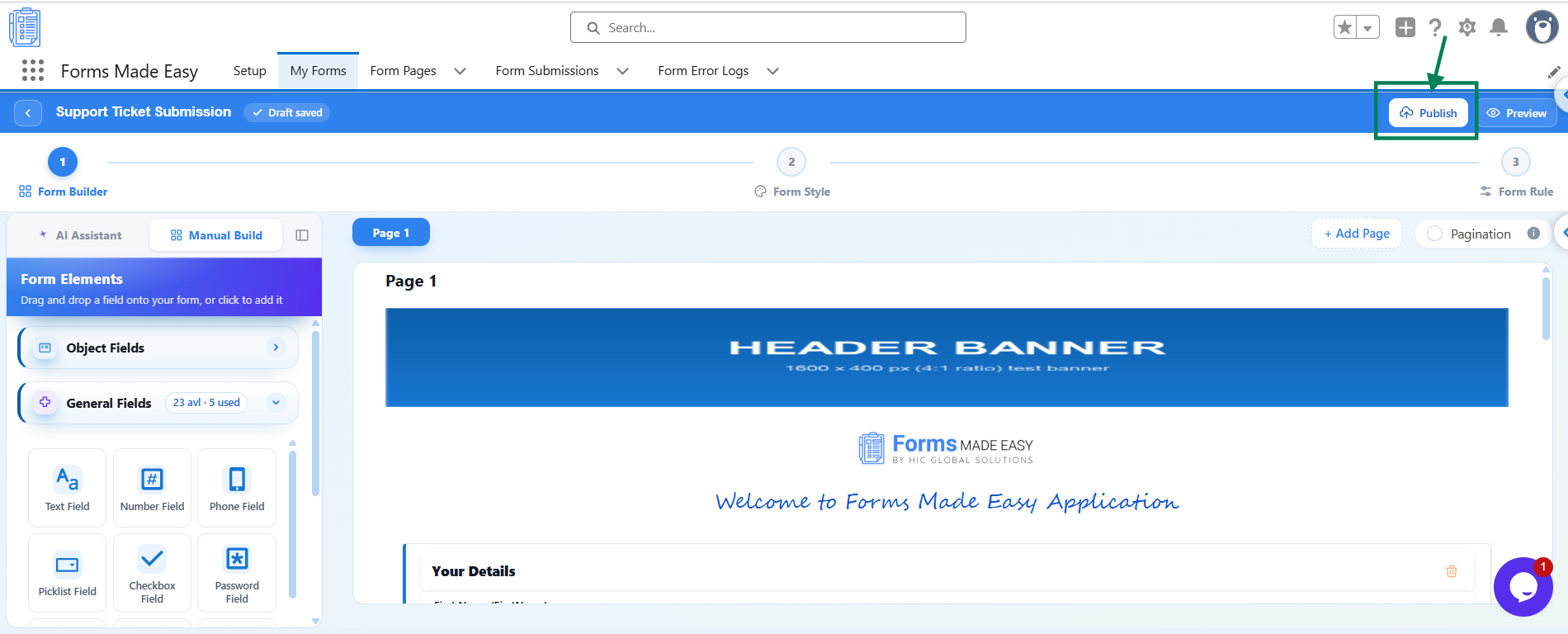
Step 1: Open your form in the Form Builder and click the Publish button (or Republish if your form is already published).
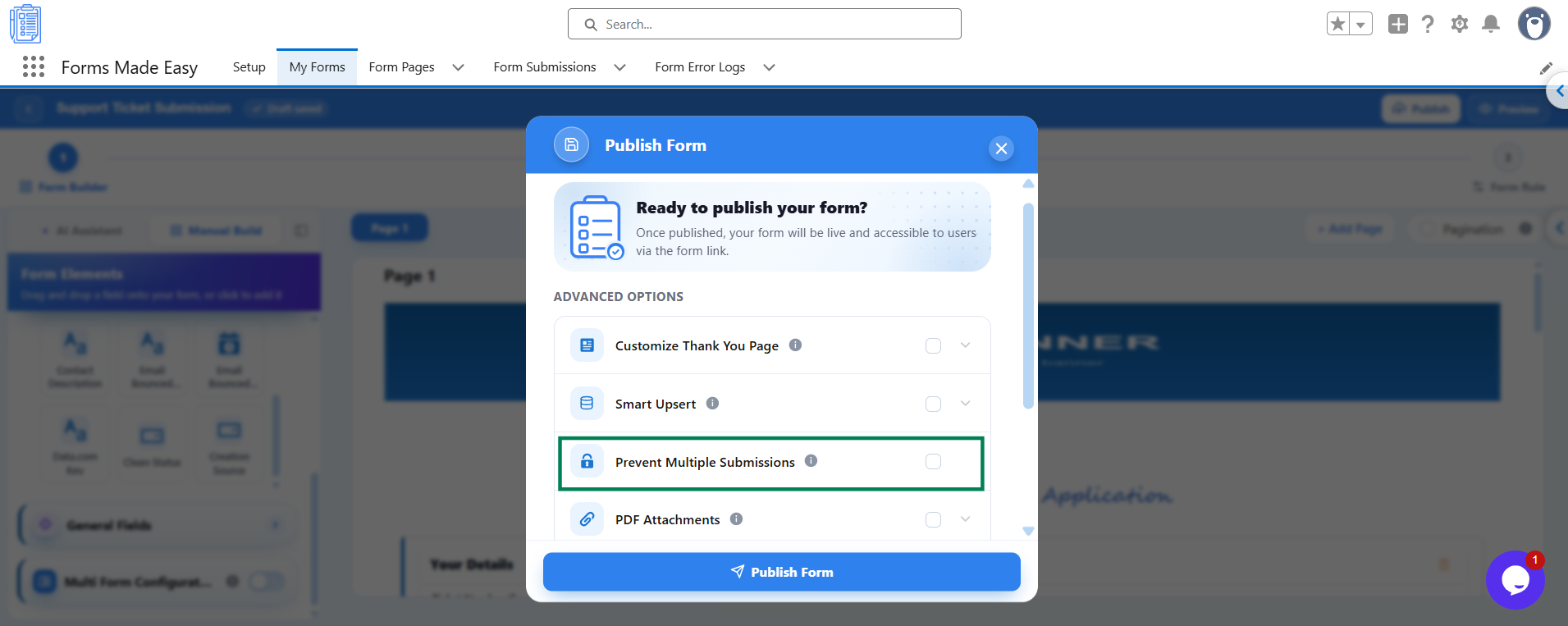
Step 2: A Publish Form window will appear with the message Ready to publish your form? Under Advanced Options, find the Prevent Multiple Submissions option.
Step 3: Turn on Prevent Multiple Submissions to enable the one-submission-per-user restriction.
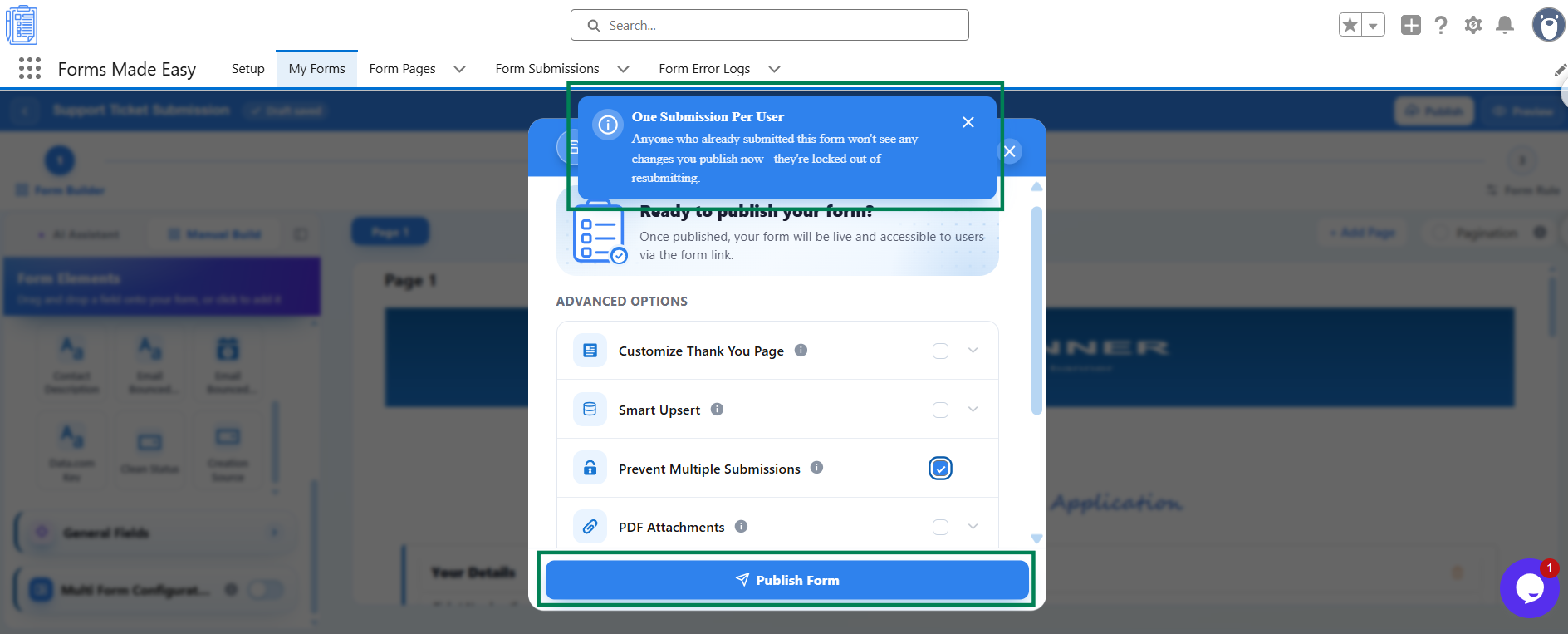
Step 4: Read the One Submission Per User notice to understand how the restriction works.
Step 5: Click Publish Form to publish your form with Prevent Multiple Submissions enabled. If your form is already published, republish it to apply the updated settings.
Once the form is published with this option enabled, respondents who have already submitted the form will be prevented from submitting it again.
What Your Respondents See
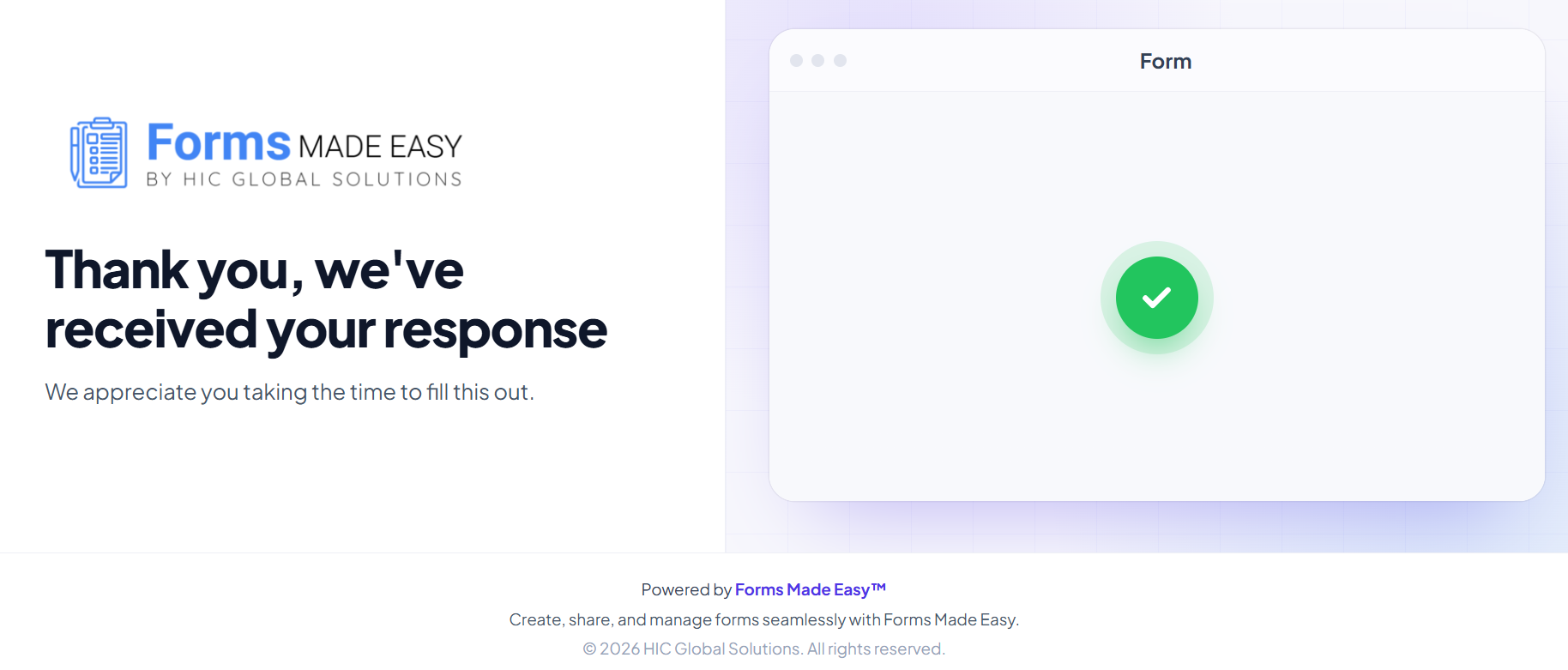
Respondents who have already submitted the form will not be able to submit it again. The restriction prevents repeat submissions from users who have already completed the form.
Important Notes
Existing submissions remain restricted: Respondents who have already submitted the form will remain locked out of resubmitting, even if you publish changes to the form afterwards.
One response per unique link: If you need a strict one-link-one-response setup for known recipients, use Generate Multiple Links instead. Each unique link accepts one submission.
Allow returning users to update their details: If you want returning users to update existing Salesforce records rather than block repeat submissions, use Smart Upsert instead.
Was this article helpful?
That’s Great!
Thank you for your feedback
Sorry! We couldn't be helpful
Thank you for your feedback
Feedback sent
We appreciate your effort and will try to fix the article