Follow these steps to update the name of any form you have previously created.
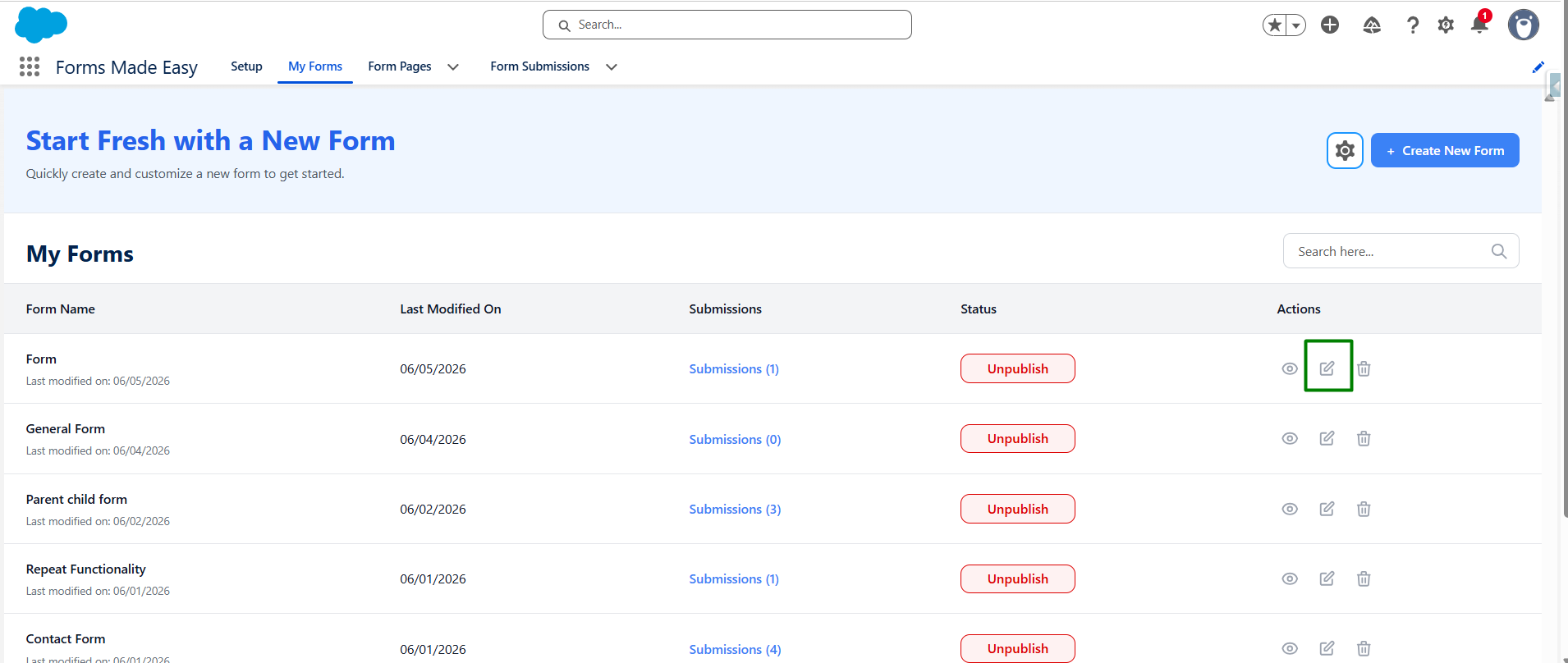
Step 1: From the top navigation menu, ensure you are on the My Forms tab. Scroll through the My Forms table to find the specific form you wish to rename. Look at the Actions column on the far right side of your form's row.
Click on the Edit or Settings icon
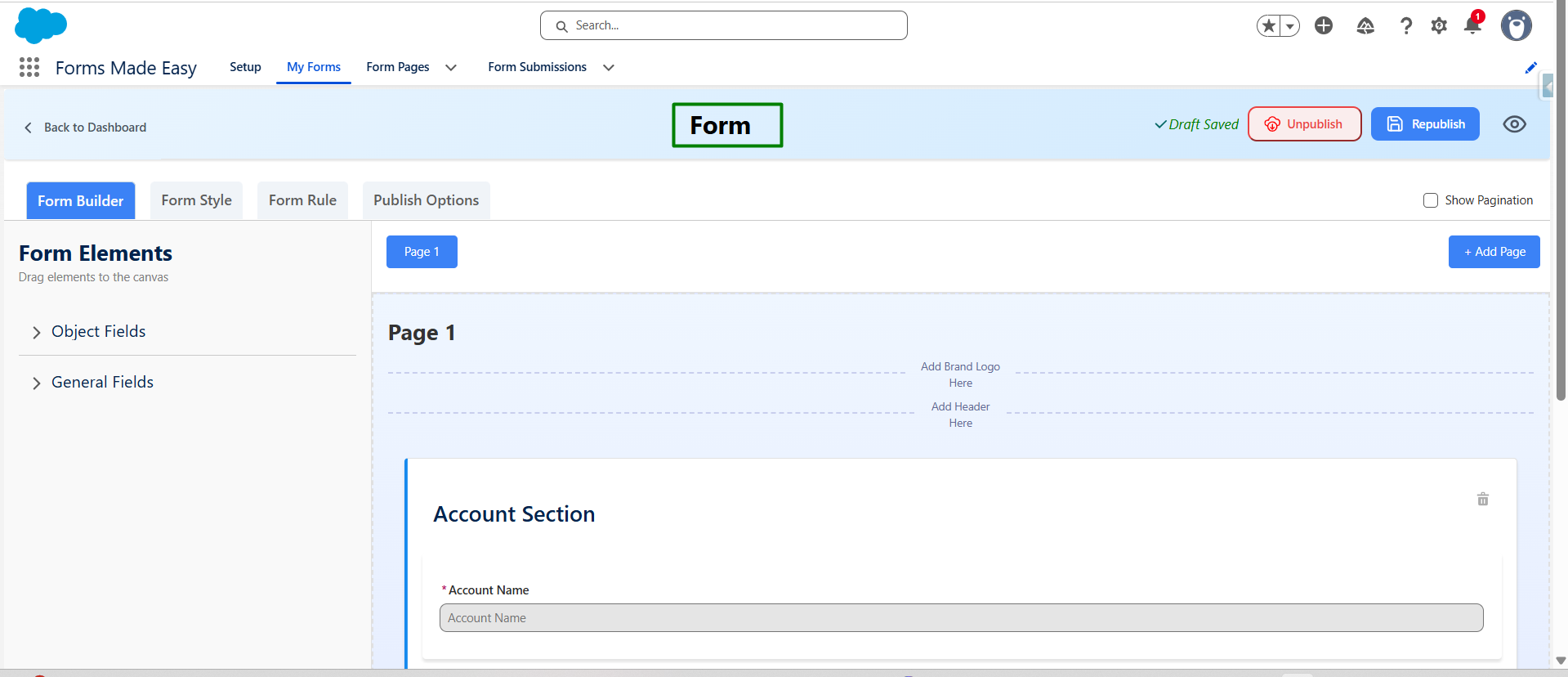
Step 2: Once the form configuration window opens, click into the Form Name. Remove the existing text, type in your new desired form name,
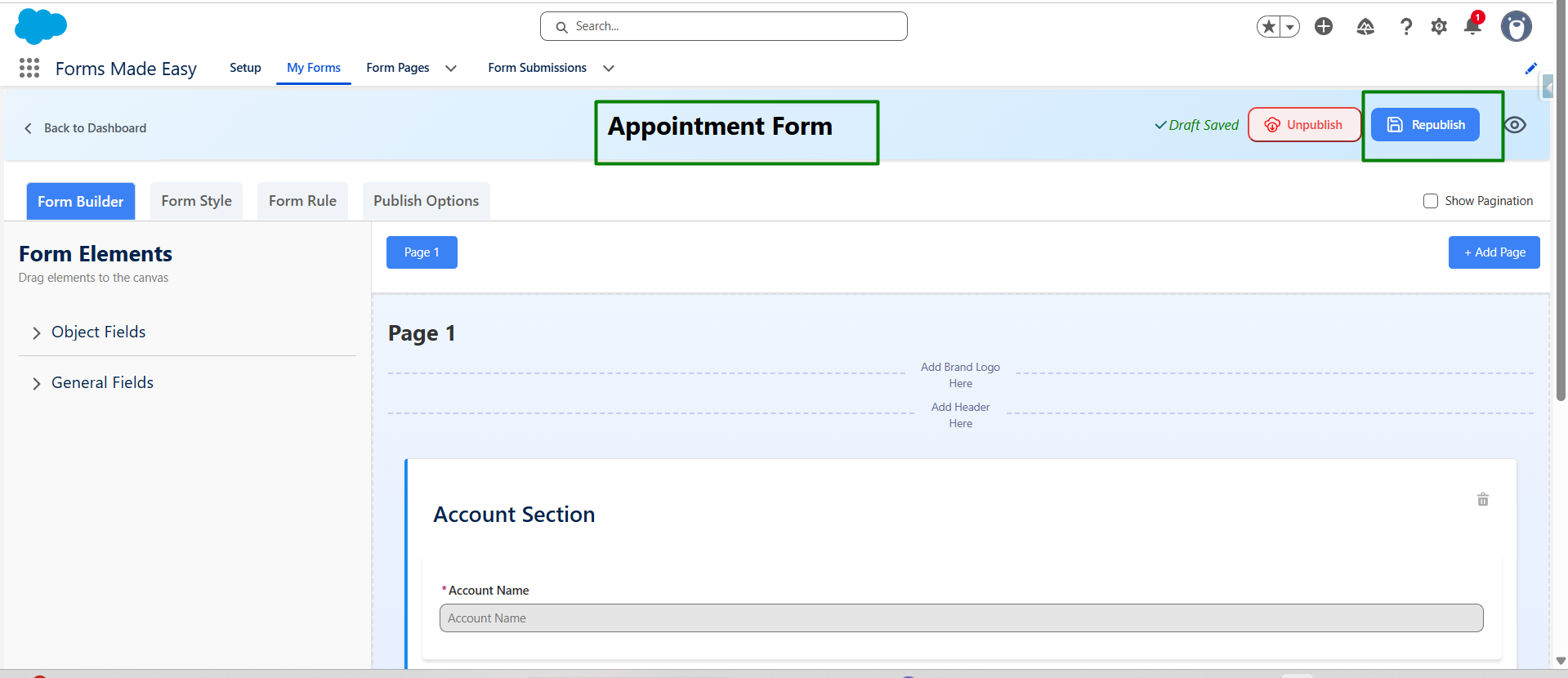
Step 3: click Republish.
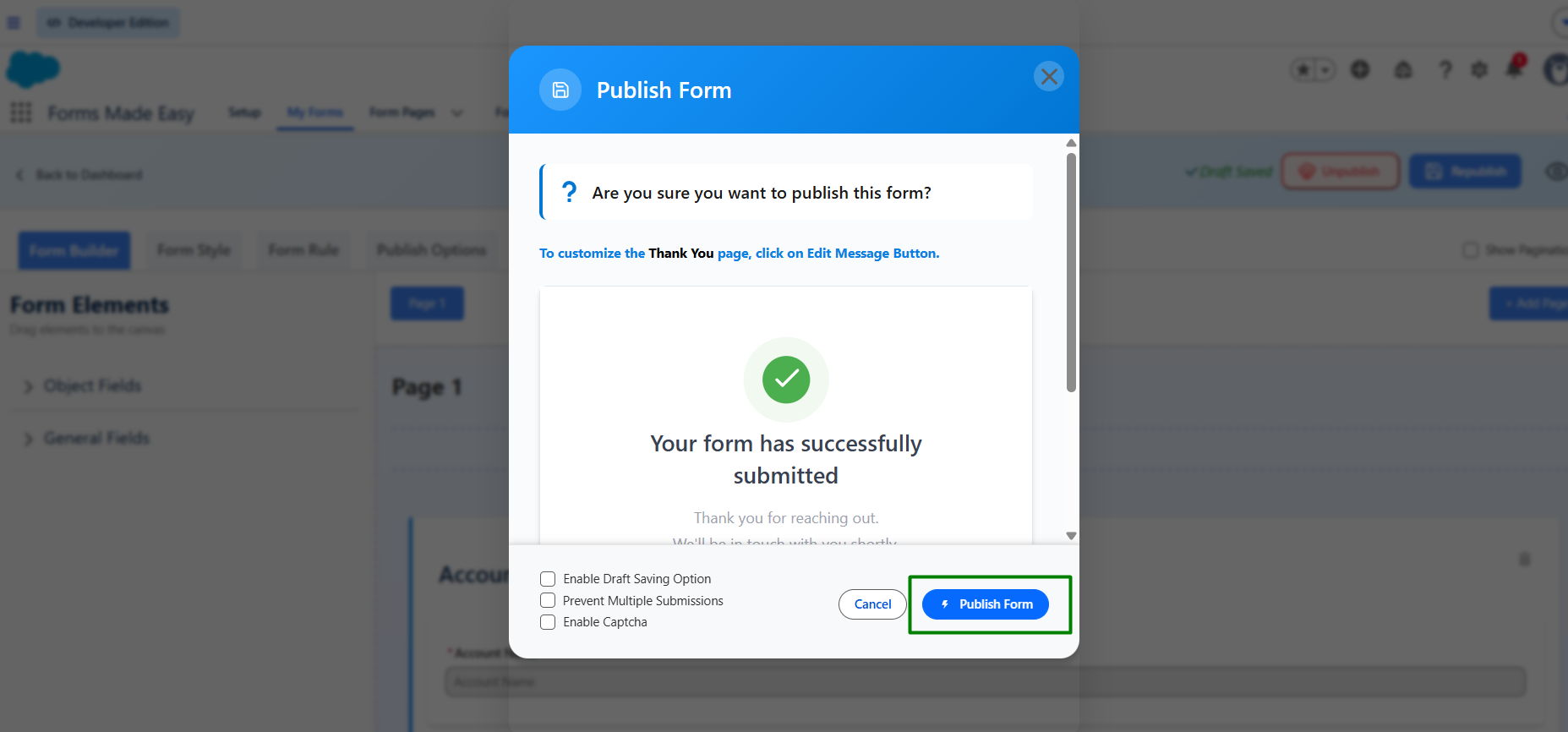
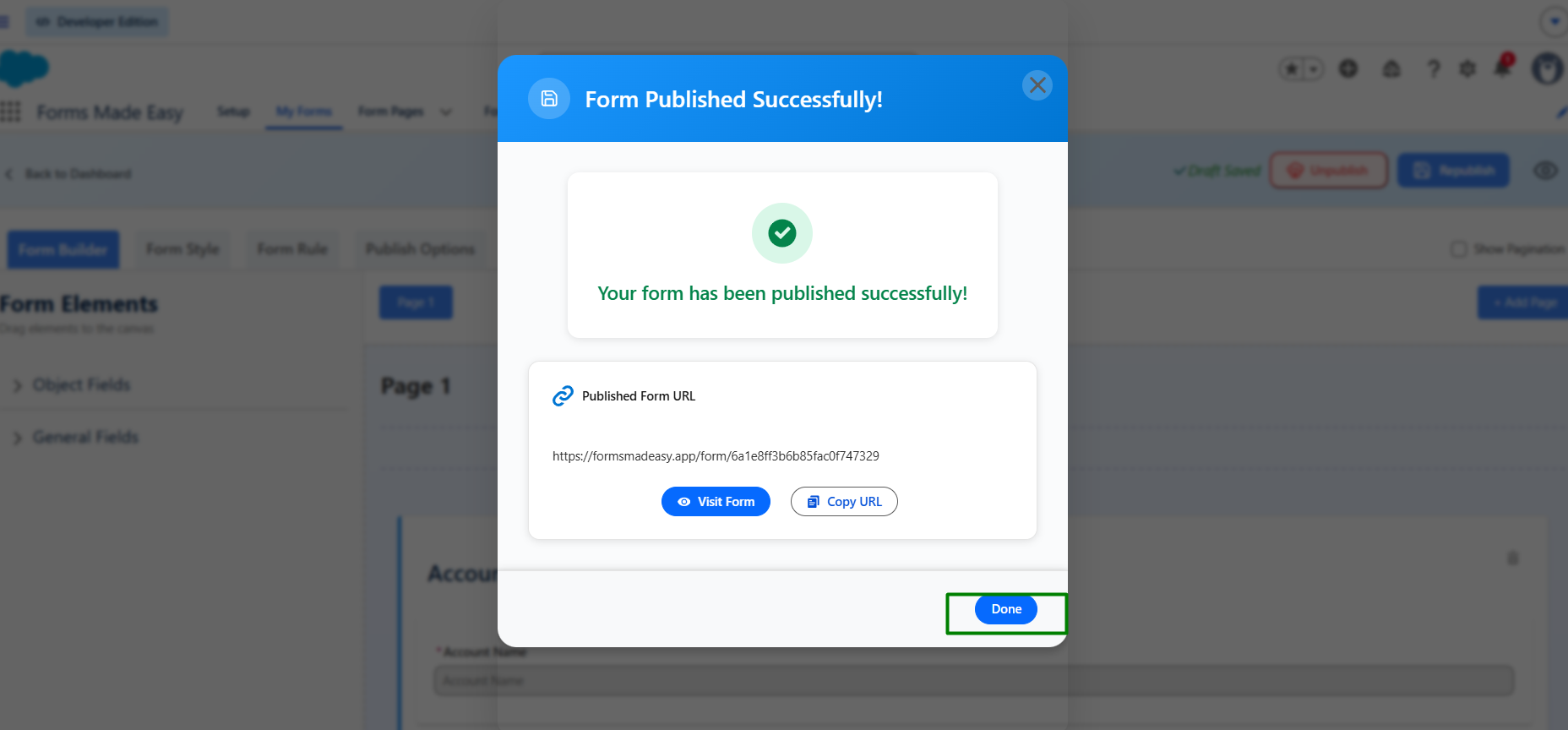
Step 4: Click Publish Form.
Step 5: Click Done.
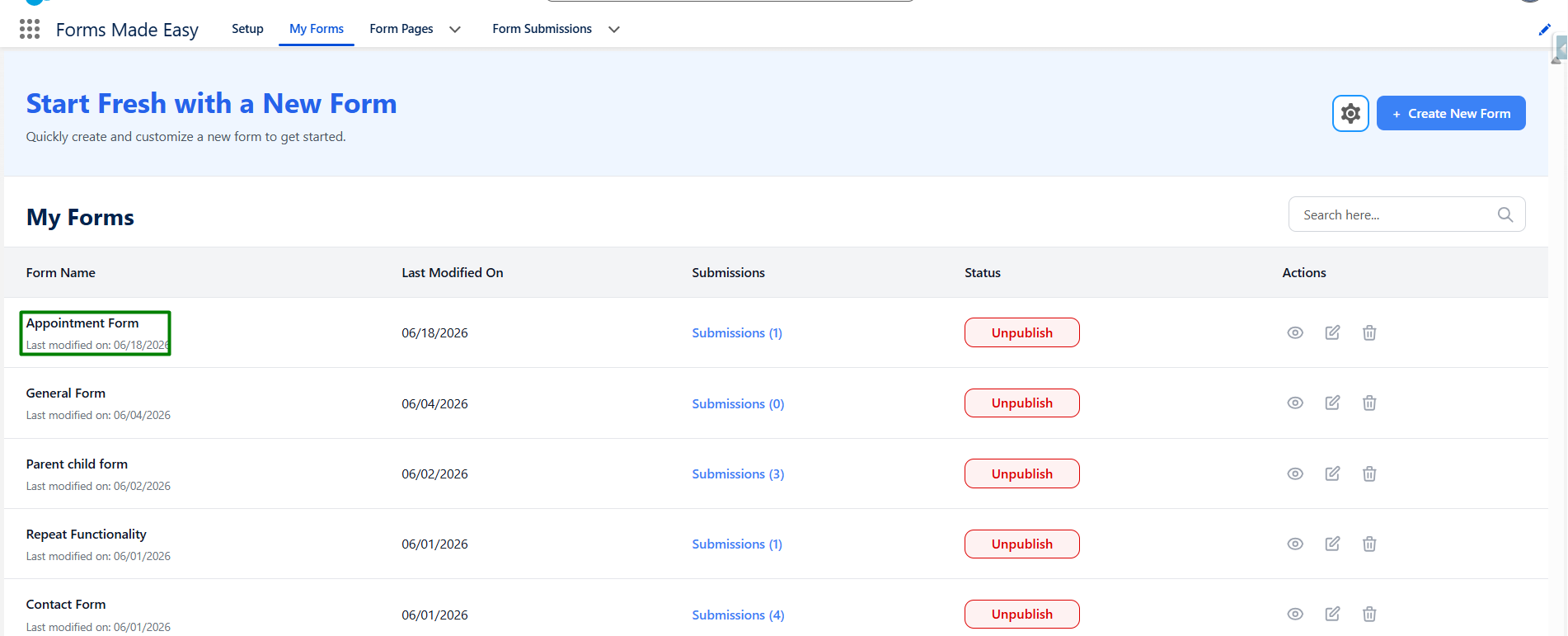
Step 6: Again click on My form tab and observe the form updated name.
Thanks!
Was this article helpful?
That’s Great!
Thank you for your feedback
Sorry! We couldn't be helpful
Thank you for your feedback
Feedback sent
We appreciate your effort and will try to fix the article